

Test maker and exam scoring rulesScoring rules are defined once, in the test template.
The heart of the test maker: sections and question pools, score display, wrong-answer penalty, section weights and cut-offs, level tables and pass criteria, adaptive testing (CAT), question calibration and test approval.
01TEST TEMPLATE
Duration, navigation and what the student sees, in one window.
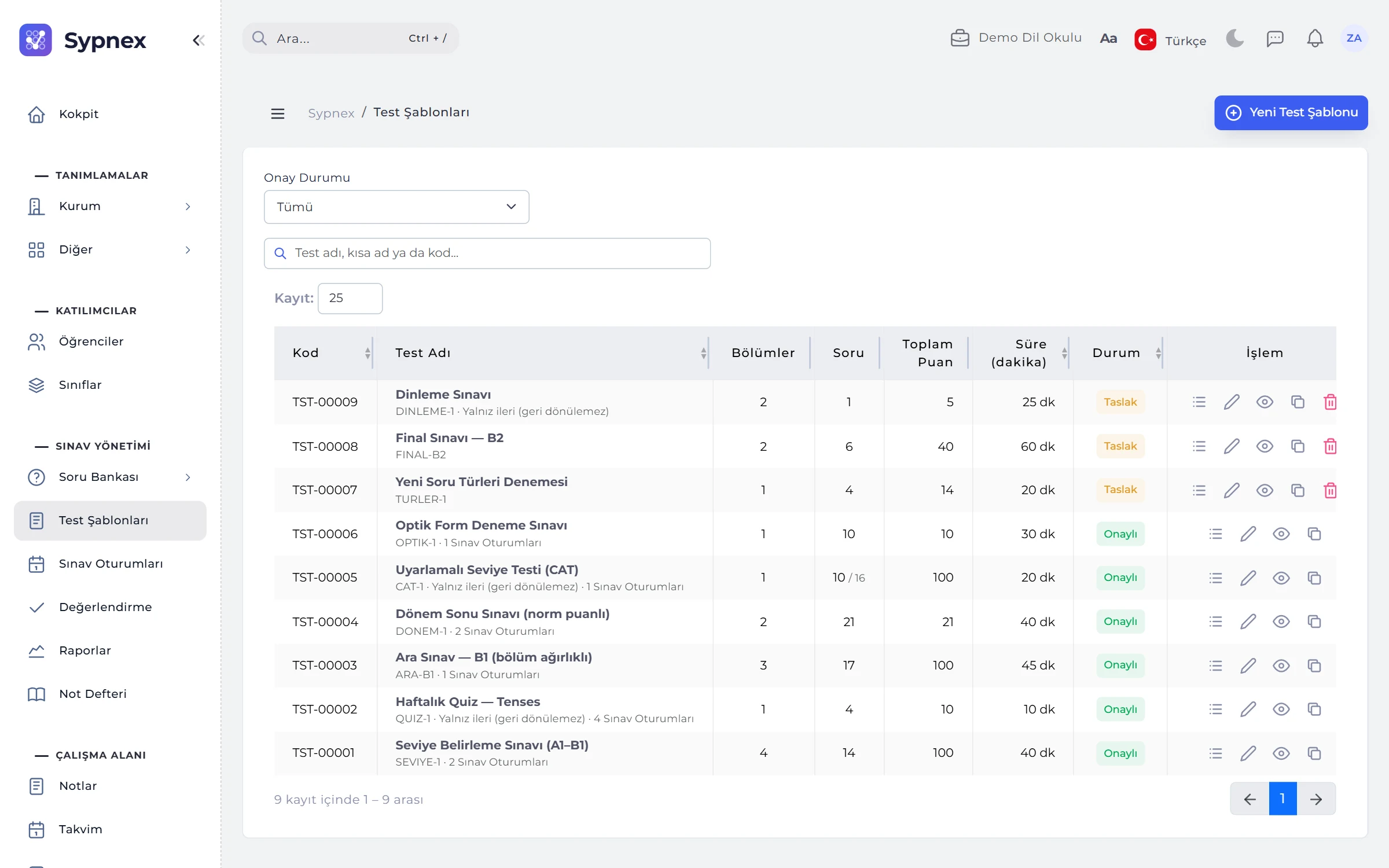
The test list shows code, name, section and question counts, total points, duration and status. The New Test window takes the test’s basic settings and scoring rules together; saving opens the Test Layout.
- Navigation: free (back and forth between questions) or forward only (no going back to a passed question).
- What the result shows: the score only, or the score with a question breakdown and correct answers.
- Shuffling: a different question and option order within each section for each student; T/F and Y/N options are not shuffled.
- Certificate: students who pass receive a PDF certificate verified by QR code.
02SCORING AND RESULTS
An explanation with an example under every setting.
Scoring settings lock when the test is approved, so everyone who takes the same test is scored by the same rule.
Score display
Raw score (24 correct × 2 = 48 / 60) or out of 100 (48 / 60 → 80); with section weights it is always out of 100.
Wrong-answer penalty
“n wrong answers cancel 1 correct”: with 4-to-1, 20 correct and 8 wrong = 18 net; blanks carry no penalty and the total never drops below 0.
Multiple-answer items
Full points only if fully correct, or partial credit: 2 of 3 correct plus 1 wrong earns a third of the points.
Section rule
Compensatory (total only), section cut-off (each section must pass its own threshold) or both.
Level table
Percentage → level; ready-made CEFR (A1–C2), letter grades (FF–AA) or Beginner / Intermediate / Advanced. A minimum level can be required to pass.
Overall level
From the total score or from the lowest section: Reading B2, Speaking A2 → A2.

03SECTIONS AND WEIGHTS
Grammar 40%, Vocabulary 30%, Reading 30%; Reading cut-off 40%.
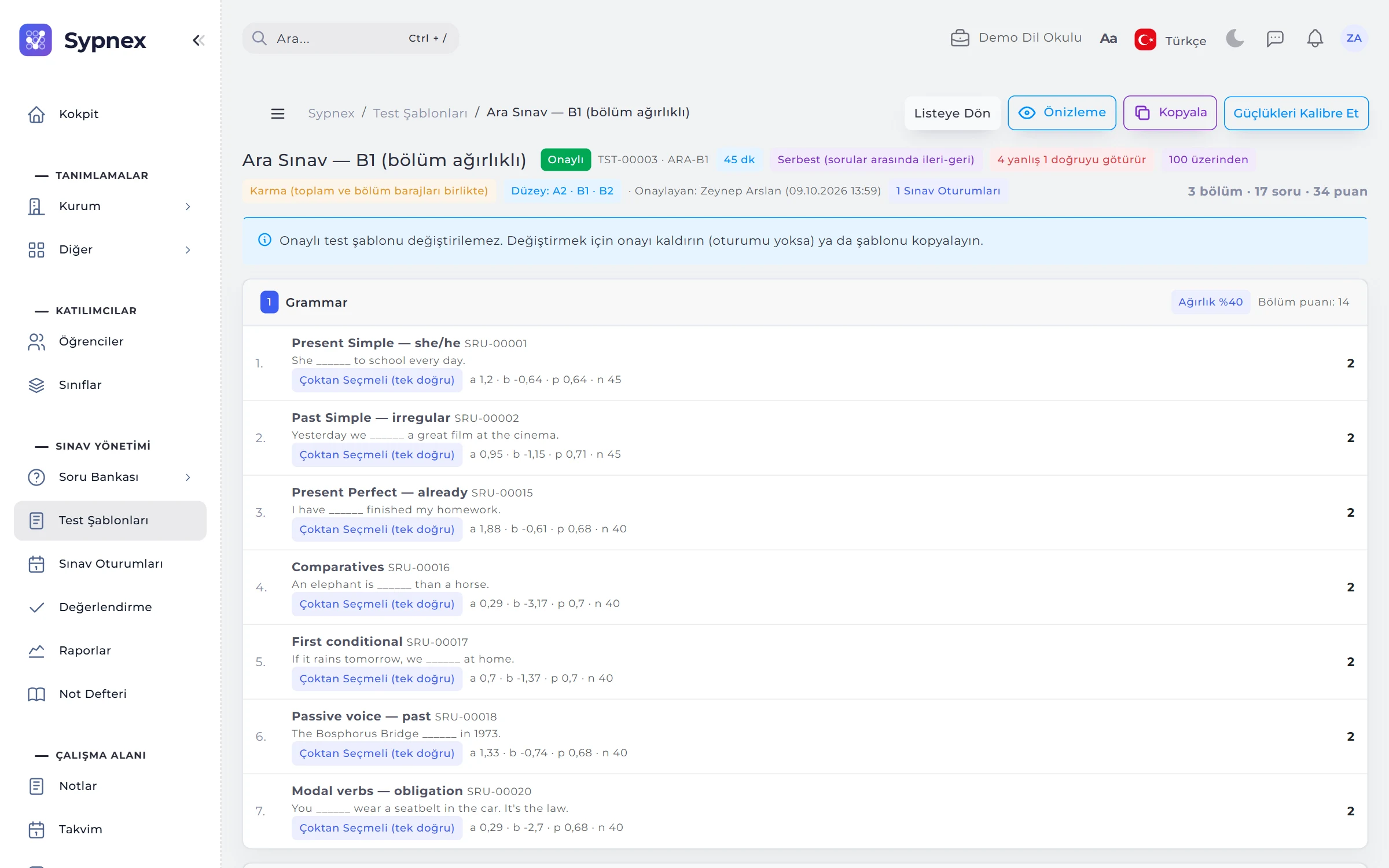
In the test layout, sections are on the left and the question bank, listing only approved questions, is on the right. Questions are reordered by dragging and moved between sections; section and test totals update instantly.
- Section weight: the section’s share of the total, independent of its question count; if used, every section gets one and they add up to 100%.
- Section cut-off: a student with 35% in Reading fails even with a total of 60; the result reads “Reading section 35%, cut-off 40%.”
- Section-specific rules: a wrong-answer penalty only in Grammar, a section-specific level table or multiple-answer scoring.
- Question pool: 10 random questions for each student out of 40; questions in a pool must carry equal points.
04ADAPTIVE TESTING (CAT)
An exam that gets harder after a correct answer and easier after a wrong one.
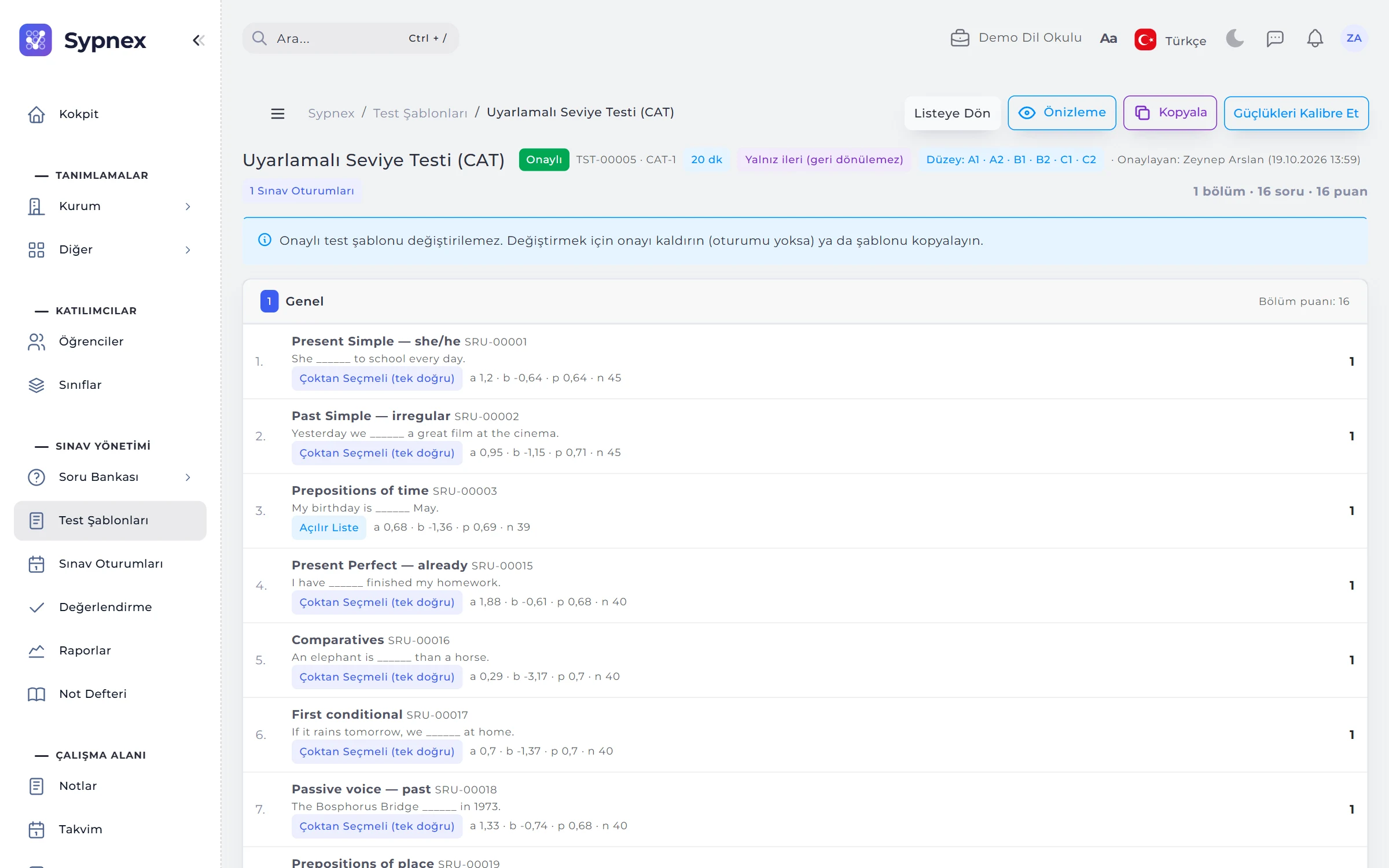
In an adaptive test each student gets different questions, and a different number of them; the score is 0–100 and the result is a level. Questions are balanced across subcategories, and one of the three best-fitting questions is chosen so that the same questions do not go to everyone.
- Stopping rule: minimum and maximum question counts and a stopping precision (0.30–0.40 recommended); set per section in sectioned tests.
- Calibration: Calibrate Difficulties estimates each question’s difficulty (b), discrimination (a) and correct rate (p) from past answers.
- Starting difficulty: the calibrated value, otherwise a tag such as “CEFR B1”, otherwise the difficulty level.
- One scale: ability (θ) is also estimated in fixed tests with at least 5 calibrated questions, so different exams can be compared.
05PREVIEW AND APPROVAL
The test through the student’s eyes, before approval.
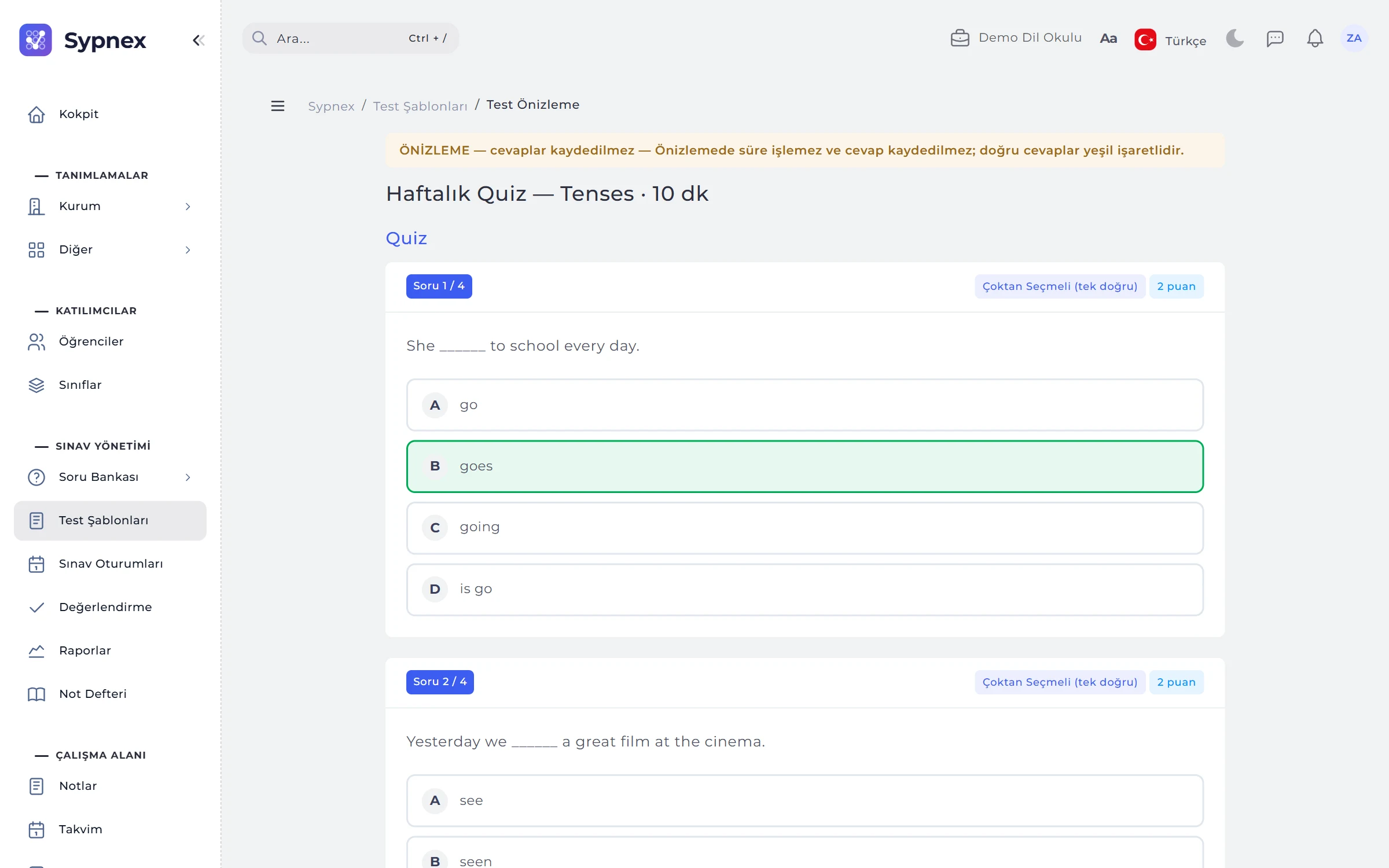
Preview opens the test as the student will see it; the timer does not run, answers are not saved and correct answers are marked green. Above the test layout, a summary of the test and any reasons it cannot be approved are listed.
- Approved tests are locked: without sessions, approval can be removed; with sessions, a new version is prepared with Duplicate.
- Row actions: layout, edit, preview, duplicate and (for drafts only) delete.
RULES
Test approval conditions
Only approved tests can be used in a session; the Approve button becomes available when these conditions are met.
No empty sections
At least one section, questions in every section, and every question approved.
Consistent scoring
The pass mark is not above the maximum score; section weights are set on all sections or none, adding up to 100%.
Cut-off and rule match
If a section cut-off is set, the section rule must be “cut-off” or “mixed”.
Pools and CAT
A pool does not draw more questions than the section holds; an adaptive test contains no hand-scored questions.
Saved layout
A test cannot be approved with unsaved layout changes; Save Layout first.
Run your next exam with Sypnex.
Leave a demo request and try Sypnex with your own questions, classes and scoring rules.