

Student and parent panel, mobile appStudents sit exams, parents follow progress, teachers grade on the phone.
The student panel and exam screen, results and certificates, the parent panel; and in the Android and iOS app, live monitoring and camera-based optical form reading for instructors, and grading and result publishing for instructors and graders. The web panel can also be installed on the phone as an app.
01STUDENT PANEL
Which exam is open, which one is coming up?
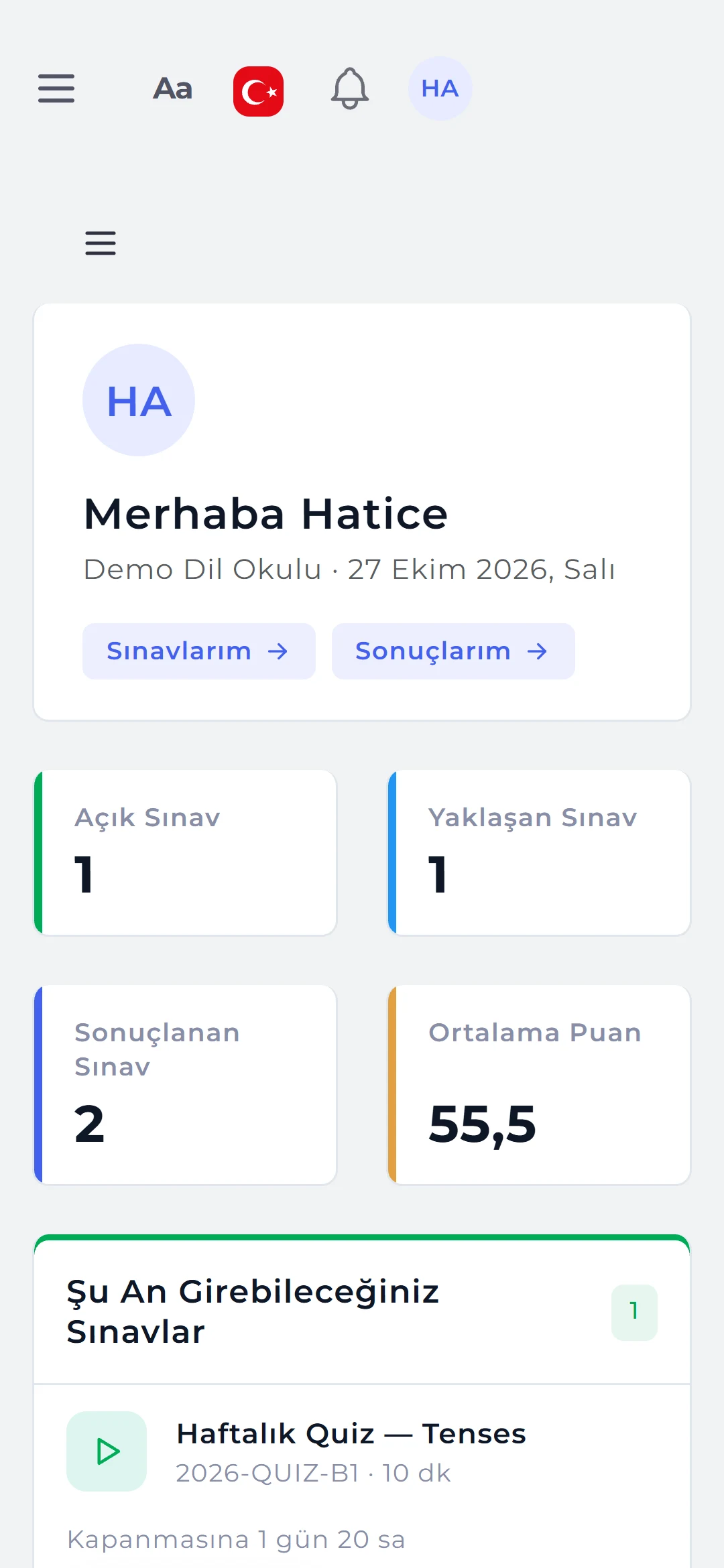
At sign-in students see their own panel: the number of available, upcoming and completed exams, their average score and latest results. The exam page lists the instructions, duration, question count, attempts and rules (full screen, camera).
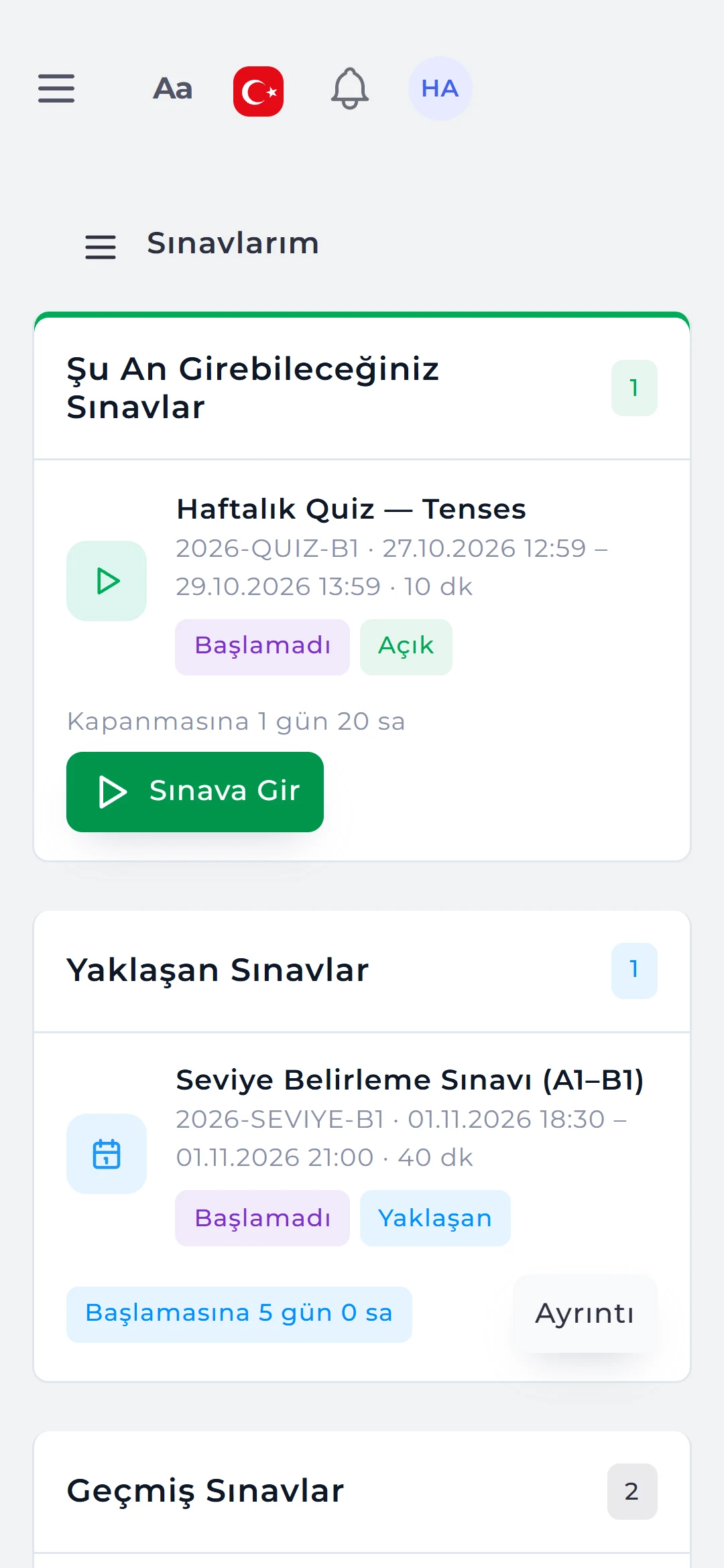
- My exams: available, upcoming and past exams, each with a status badge.
- Notifications: exam assigned, reminders and result published; push notifications can be enabled too.
- Notes and calendar: the student’s own notes and exam calendar.

03RESULTS AND CERTIFICATES
Score, level, section breakdown and the reason for failing.
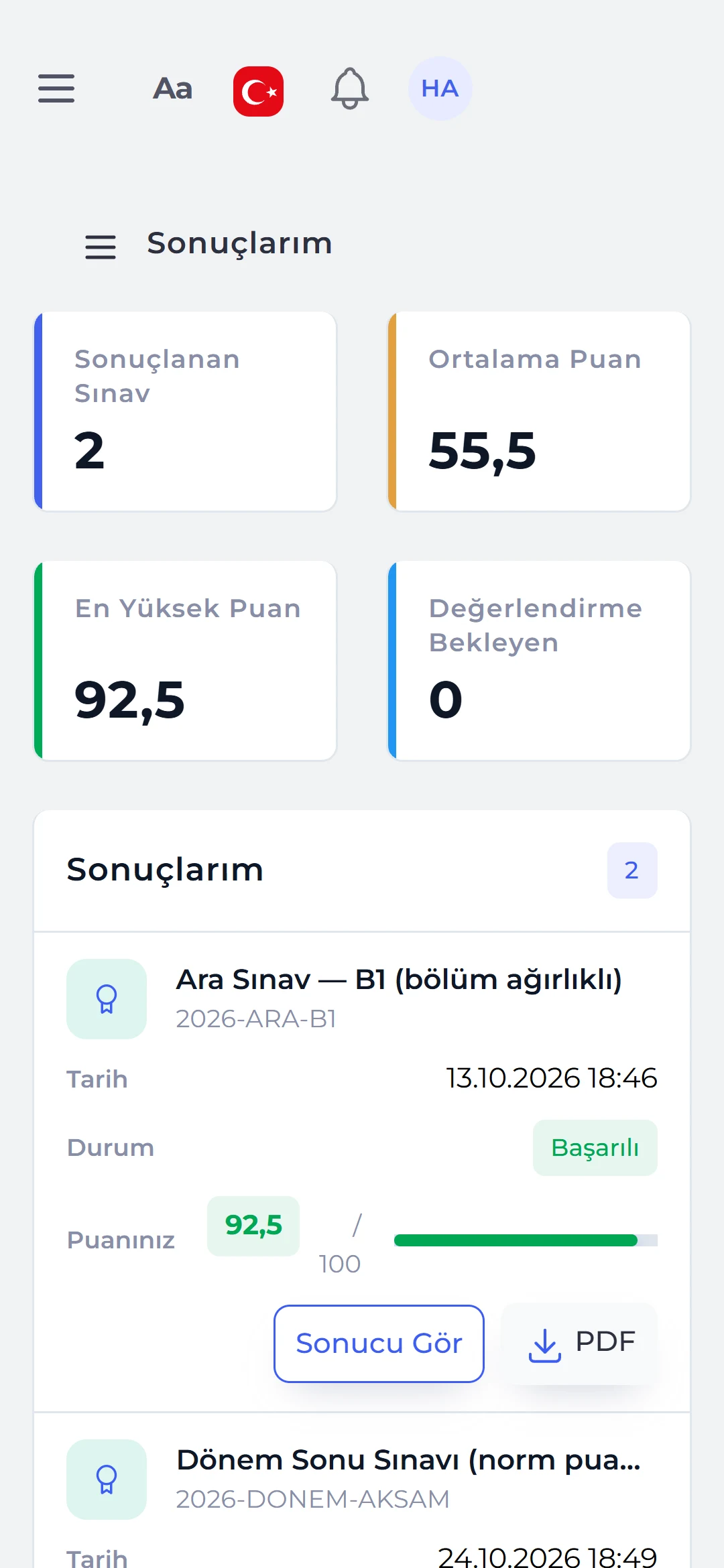
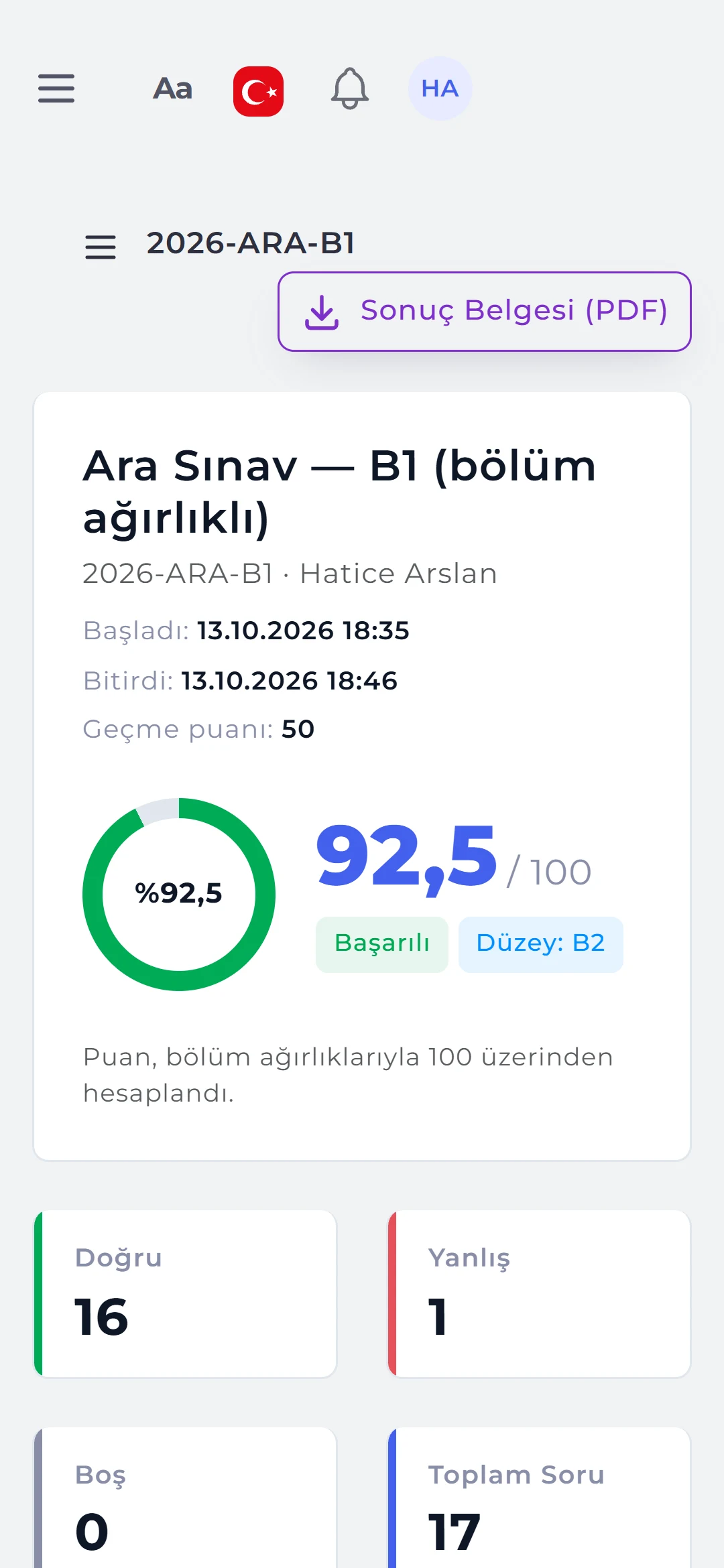
My results lists finished exams; the details of a published result show the score, percentage, pass / fail, level and correct / wrong / blank counts. If the student failed, the reason is given: “Reading section 35%, cut-off 40%.”
- Section breakdown: section score, net, weighted contribution, section level and a “below cut-off” flag.
- Standing: if the institution enables it, standard score, percentile (“better than 88% of candidates”) and rank.
- Documents: a PDF result document and, on passing, a certificate.
04PARENT PANEL
Siblings in one account, with progress charts.
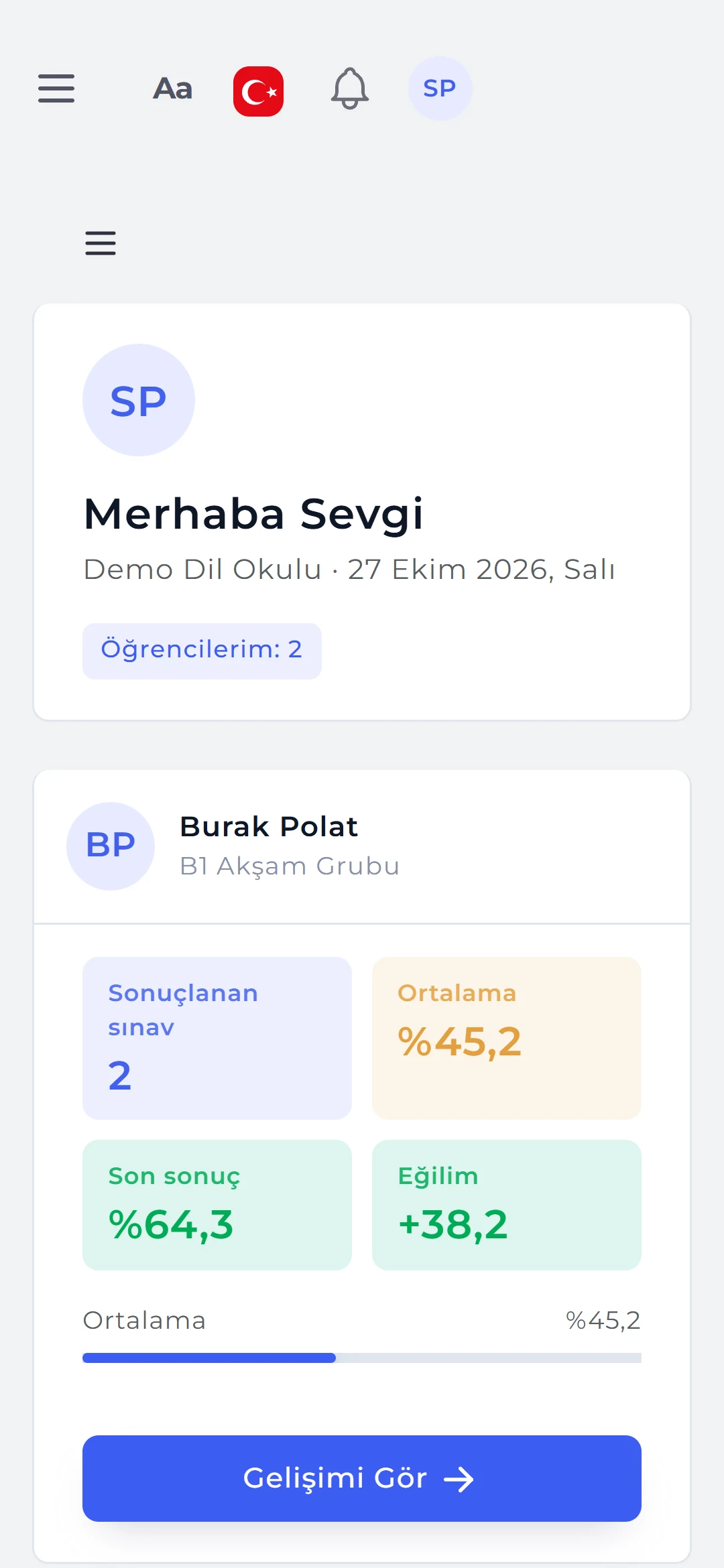
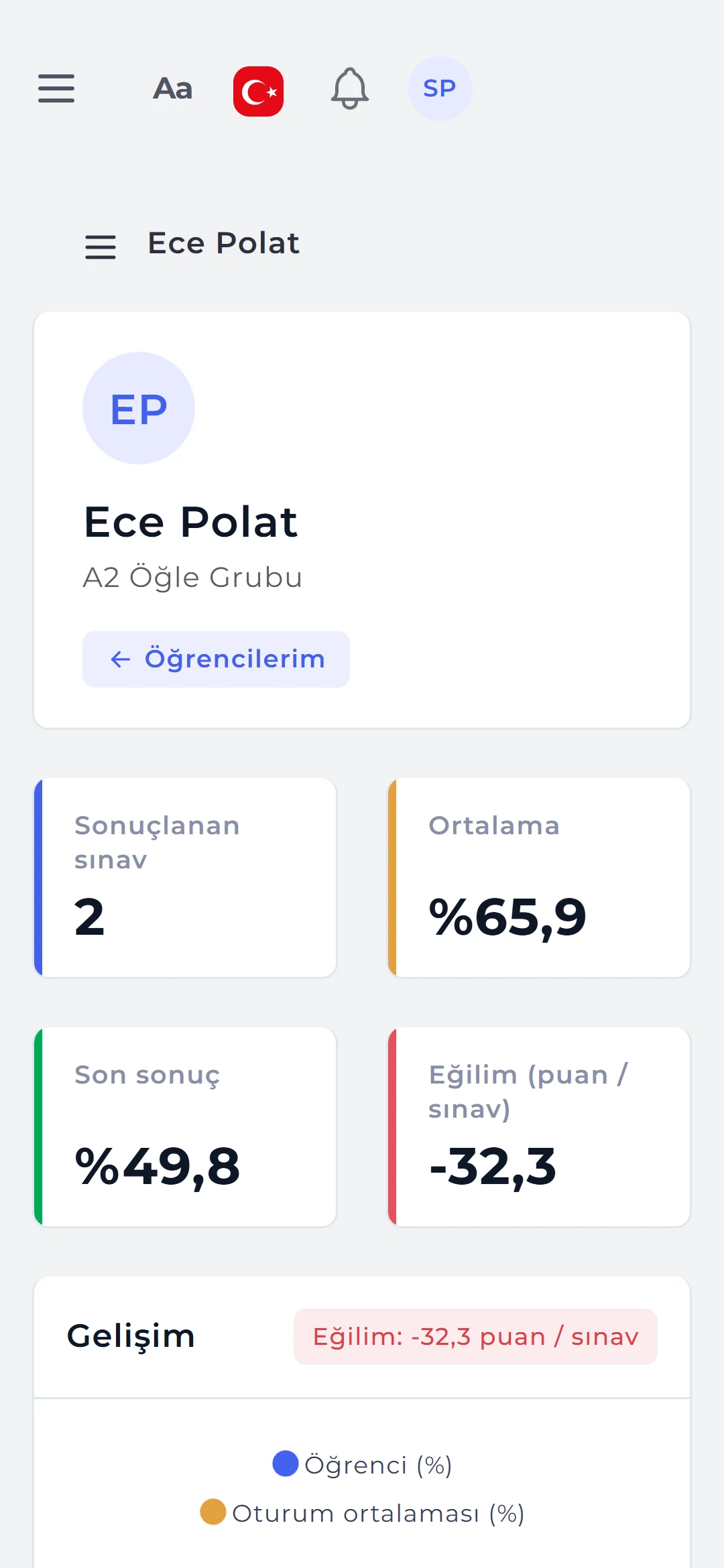
At sign-in parents see their linked students; each student’s published exams, average, latest result and trend are listed. The student page shows upcoming exams and a progress chart. The parent panel is read-only.
- Published results only: parents see exactly the result the student sees, and not exams still being graded.
- Class average: the class average for every exam and the estimated level in adaptive exams.
- Consent: data protection consent is given through an SMS link, an in-person code or a signed form.
05MOBILE APP
Android and iOS: the exam in the field, grading in your hand.
The mobile app uses the same username and password as the web account; tabs open according to the person’s permission template. Without a connection the last loaded lists are shown, and actions run when the connection returns.
- Students and parents: exams and time left, starting the exam in an in-app browser, results and certificates; averages and trends for parents.
- Instructors: live monitoring of running sessions with violation counters, extra time, reopening and releasing device locks.
- App lock: when the app returns from the background it opens with a fingerprint, face or PIN.
- Grading: manual or rubric scores, notes, completing and publishing results.
- Optical forms by camera: sheets are photographed one after another, read and queued; clean ones are saved with a single tap.
Run your next exam with Sypnex.
Leave a demo request and try Sypnex with your own questions, classes and scoring rules.